
Understanding the difference between the Access Hub and the Application Interface is essential for navigating the system smoothly and knowing where to perform your daily operations. These two spaces work together to give you full control over your traceability environment while keeping your company’s configuration separated from your operational tasks.
This article explains the role of each space and how they fit into your iTraceiT workflow.
What is the Access Hub
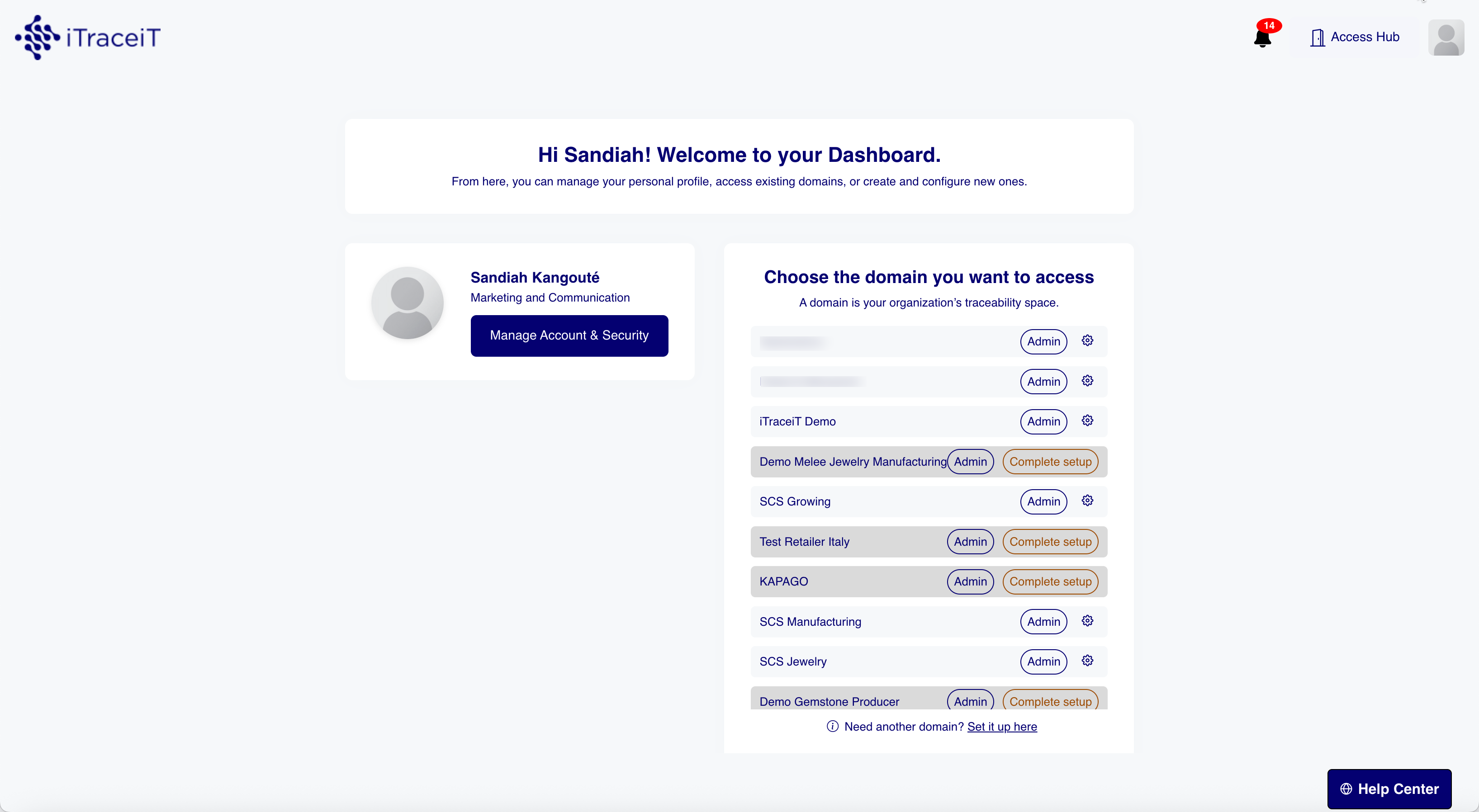
The Access Hub is your central entry point for all administrative and company-level functions. It contains the elements that define and support your organization, such as your domain information, your billing details, your subscription plan, your legal records and your user management.
This space is not used for operational work. Instead, it is where you configure everything that sits behind your traceability activity.
Regardless of whether you are an administrator or a member, the access hub is the first entry point you see after logging in. Members have access to standard information, while administrators benefit from extended permissions and additional management options.
From the Access Hub, administrators can:
- View and manage the domain (s)
- Access billing and invoices
- Review your plan and add-ons
- Invite, manage or remove users
- Update company-level settings
The Access Hub is their administrative cockpit.
What is the Application Interface
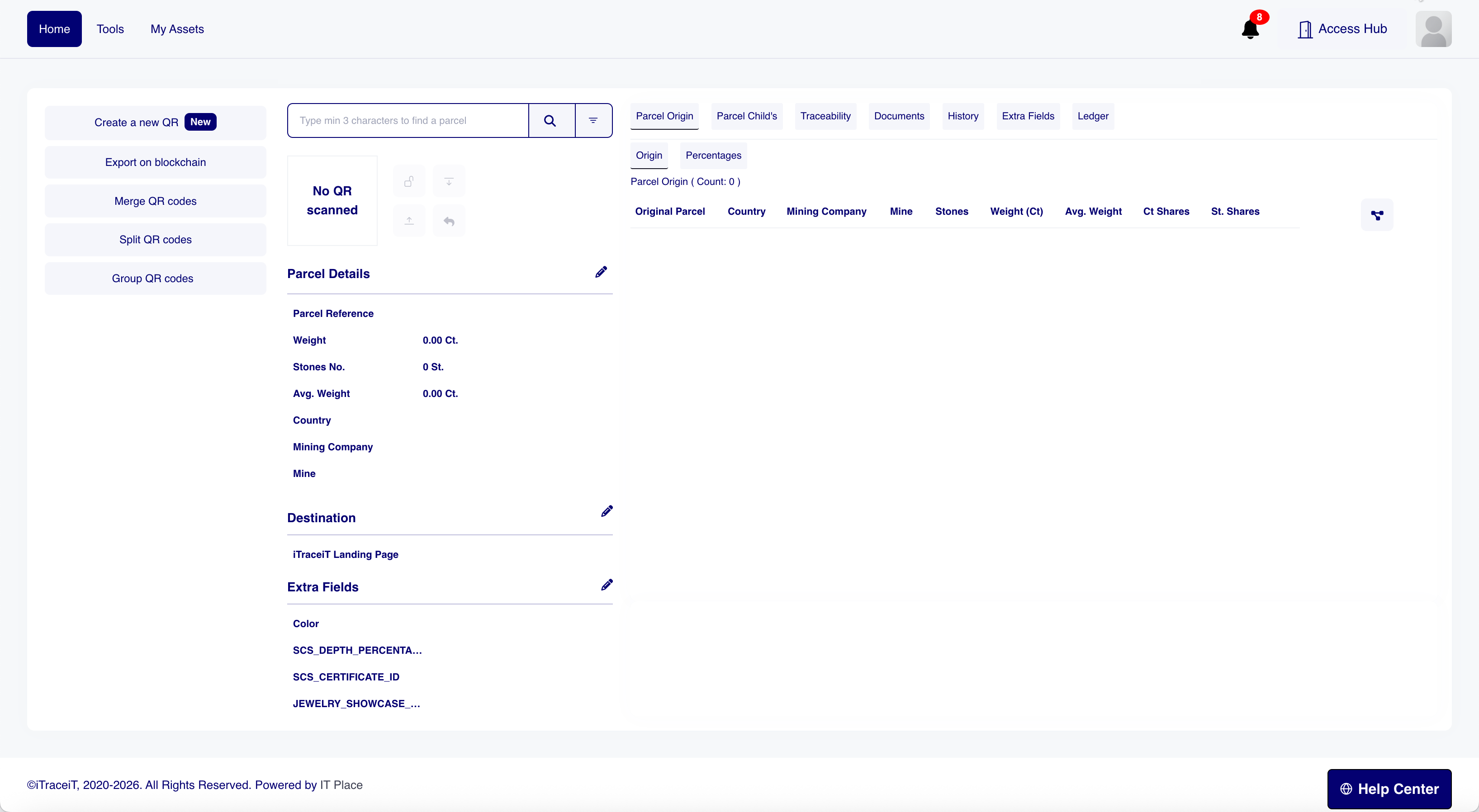
The Application Interface is the operational workspace where you perform your daily traceability actions. This is where you work with parcels, QR codes and supply chain data. All functional tools such as Merge, Split, Export on Blockchain, Import Parcels and Workflow actions are found here.
Inside the Application Interface, you can:
- Import new parcels
- Perform Merge and Split actions
- Upload documents
- Create, view or update QR codes
- Execute operational tasks
- Track and follow product movement
This is the environment your team uses for production, supply chain management and day-to-day operations.
How Both Spaces Work Together
The Access Hub defines your company environment. The Application Interface is where your company operates.
For example:
- You create your domain in the Hub, but you create QR codes in the Application Interface
- You add new users in the Hub, but those users work in the Application Interface
- You manage your subscription in the Hub, but your exports, imports and actions happen in the Application Interface
Understanding this separation helps you always know where to go depending on the task.
Separating administration from operations keeps your system organized, secure and scalable. Company information cannot be changed accidentally in the operational environment, and users can focus on their daily work without interacting with sensitive administrative data. This structure also helps large teams delegate responsibilities clearly between administrators and operators.
By clearly separating the Access Hub from the Application Interface, iTraceiT ensures that administration and operations remain distinct and well organized. This structure allows companies to manage their configuration, users, and subscriptions in a controlled environment, while enabling teams to focus entirely on traceability operations without unnecessary complexity. Understanding the role of each space helps you work more efficiently, reduces the risk of errors, and ensures that responsibilities are clearly distributed across your organization.